It runs on the phone, not on a laptop
Most AI app makers want you sitting at a desk with a browser open. There's no developer account here, no Android Studio, no Xcode. You can start one on the bus and be using it before your stop.
Type what you want. Neyse writes the code and opens the app on your phone. Usually takes under a minute.
Free download3 apps waiting in your accountAndroid & iOS
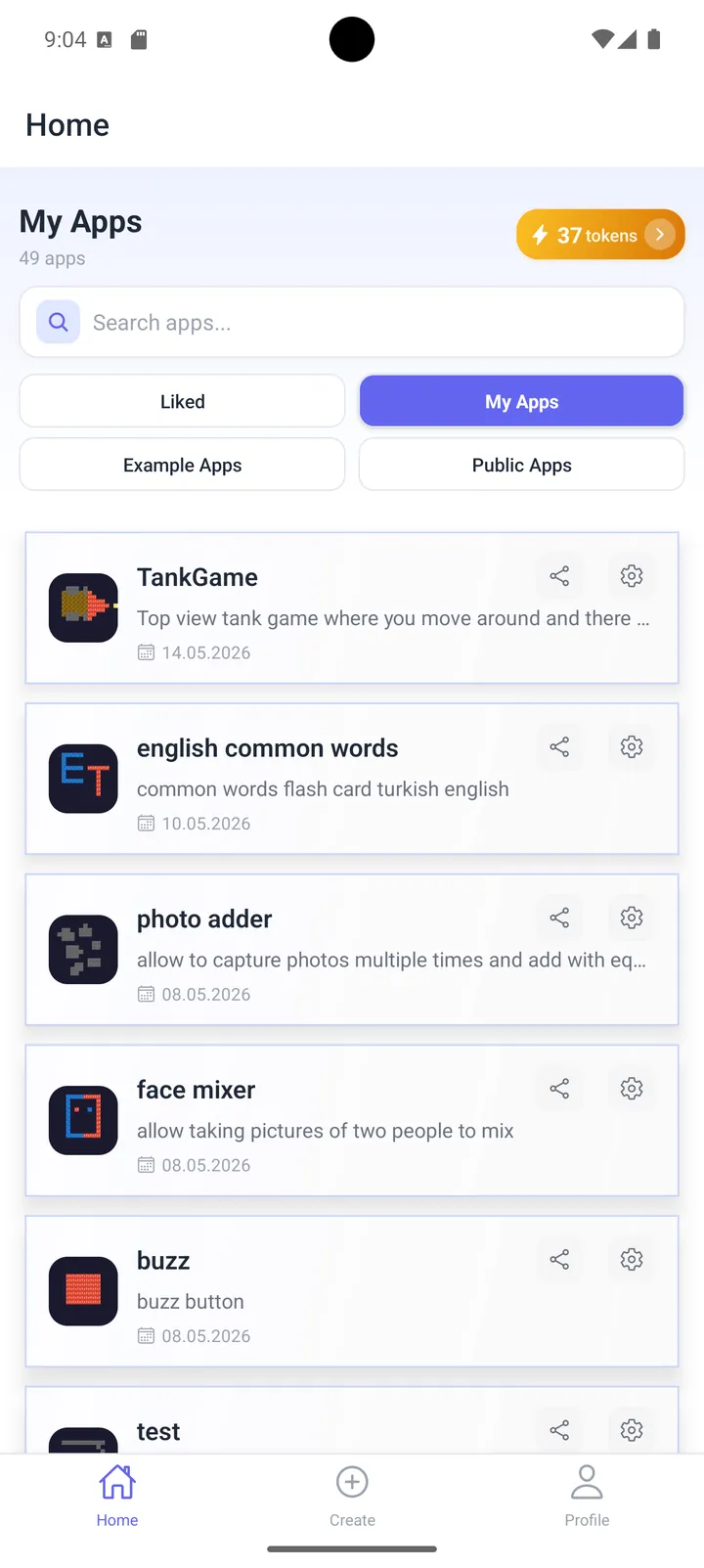
Real screenshots from Neyse on Android. See them all
Apps live inside Neyse on your own phone. If you're building something to ship, use a store publishing platform instead. Better you find that out here than after the download.
Most AI app makers want you sitting at a desk with a browser open. There's no developer account here, no Android Studio, no Xcode. You can start one on the bus and be using it before your stop.
Store apps get built for whoever the biggest group of buyers turned out to be, which is fine most of the time. It's less fine when you want a converter with three units in it, or a habit tracker with your four habits and nothing else, or a timer that doesn't ask you to upgrade every third time you open it.
Every app comes with its HTML, CSS and JavaScript sitting right there. Change a hex code, watch the button change colour.
Plenty of people arrive wanting an app and leave having accidentally worked out what a function is.
Bad idea? Delete it. You're out one token and about a minute. That is a very different feeling from being three weekends into something you've gone off.
Not mockups. These are the words people actually wrote, and what they got back.
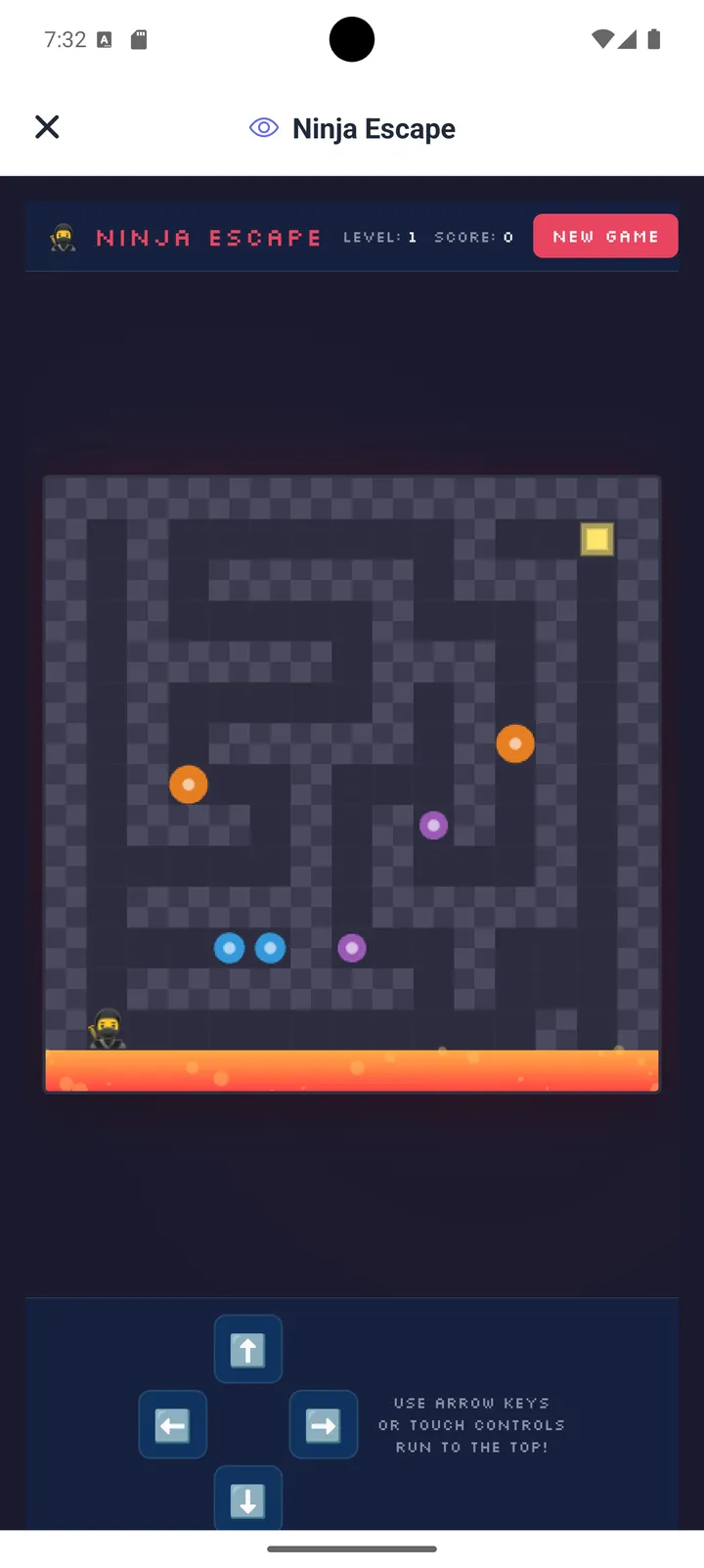
PromptCreate a maze arcade game with on-screen arrow controls
Ninja Escape, a playable maze game with score, levels and touch controls.
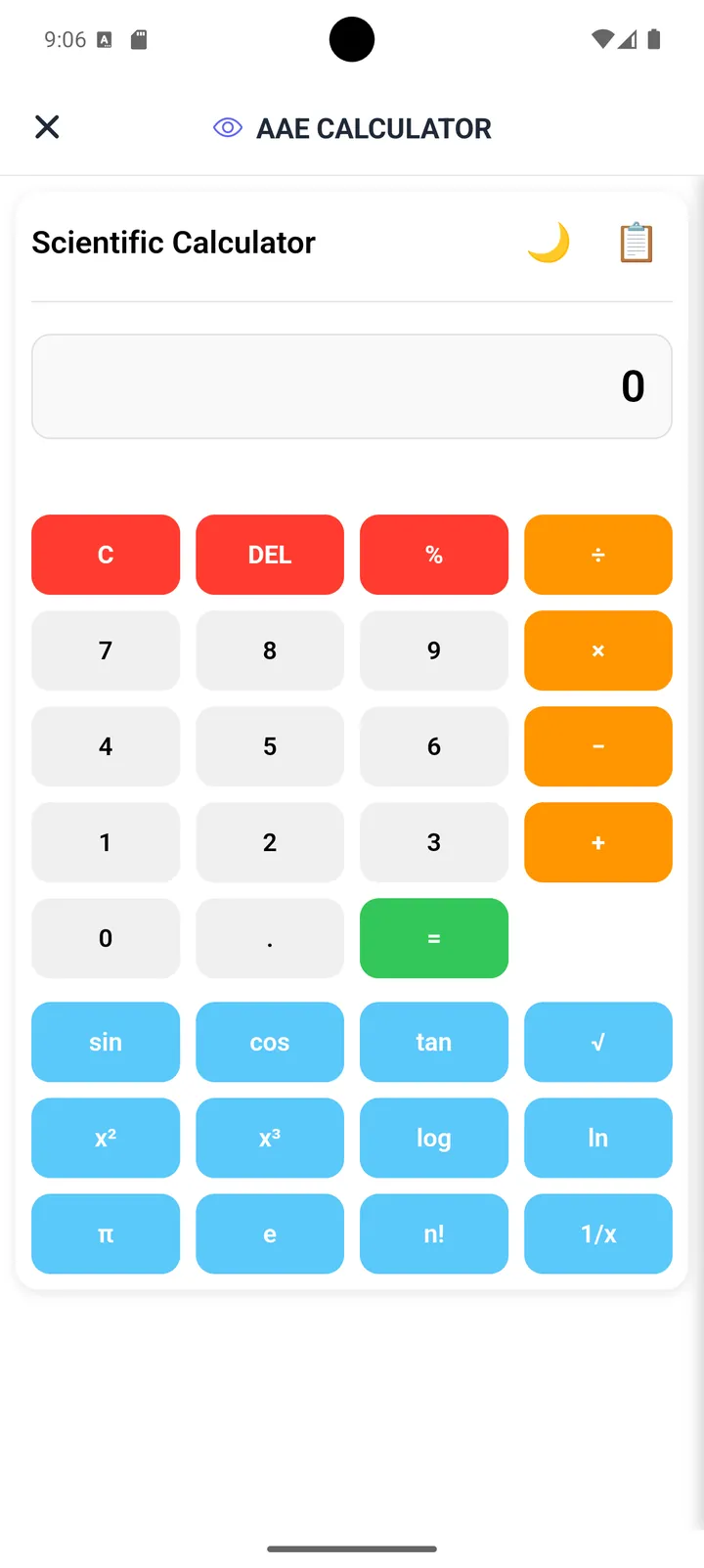
PromptMake a scientific calculator with sin, cos, tan, log, and dark mode
A full scientific calculator with trigonometry and logarithm functions, generated in seconds.
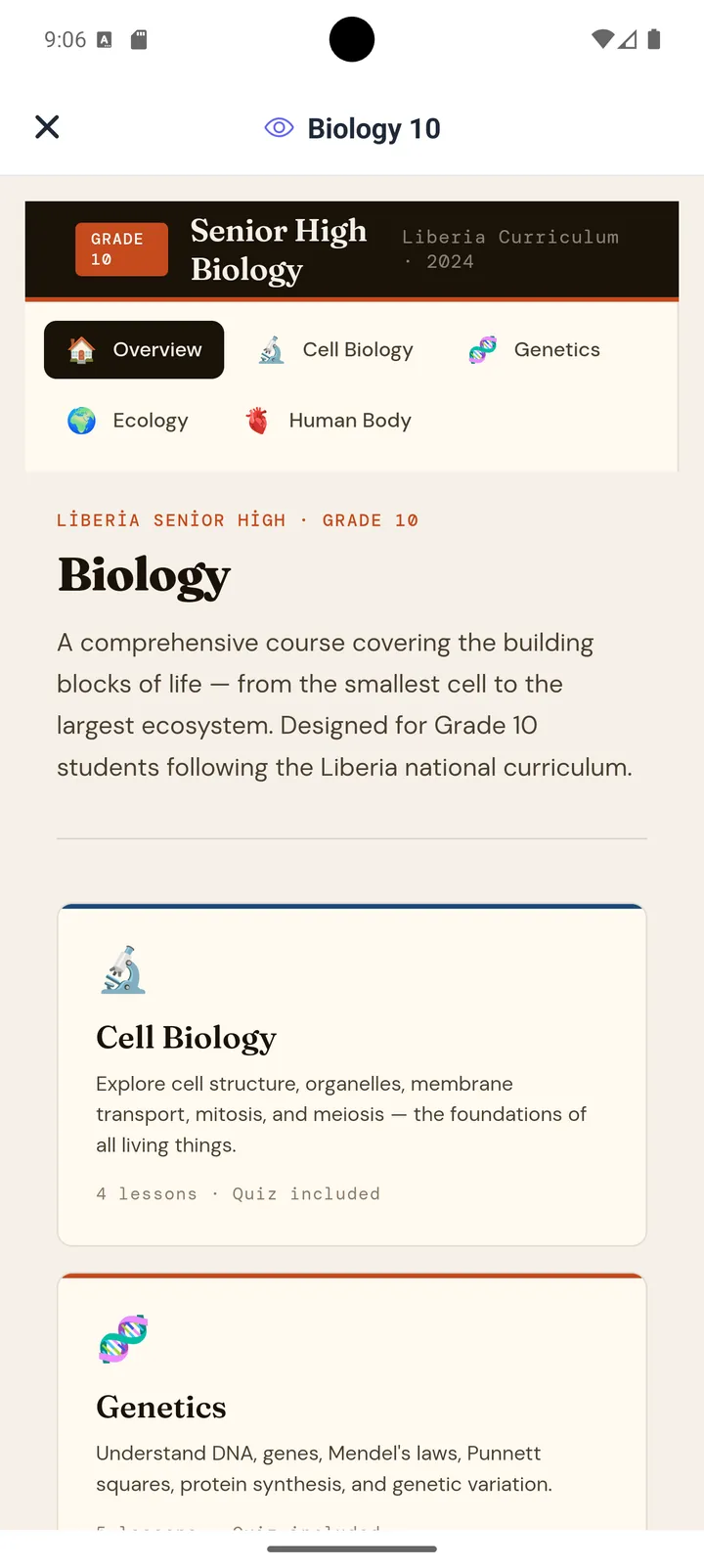
PromptBuild a Grade 10 Biology study app with cell biology, genetics, and ecology sections
A study app with chapter cards and lesson counts, matched to the syllabus sections asked for.
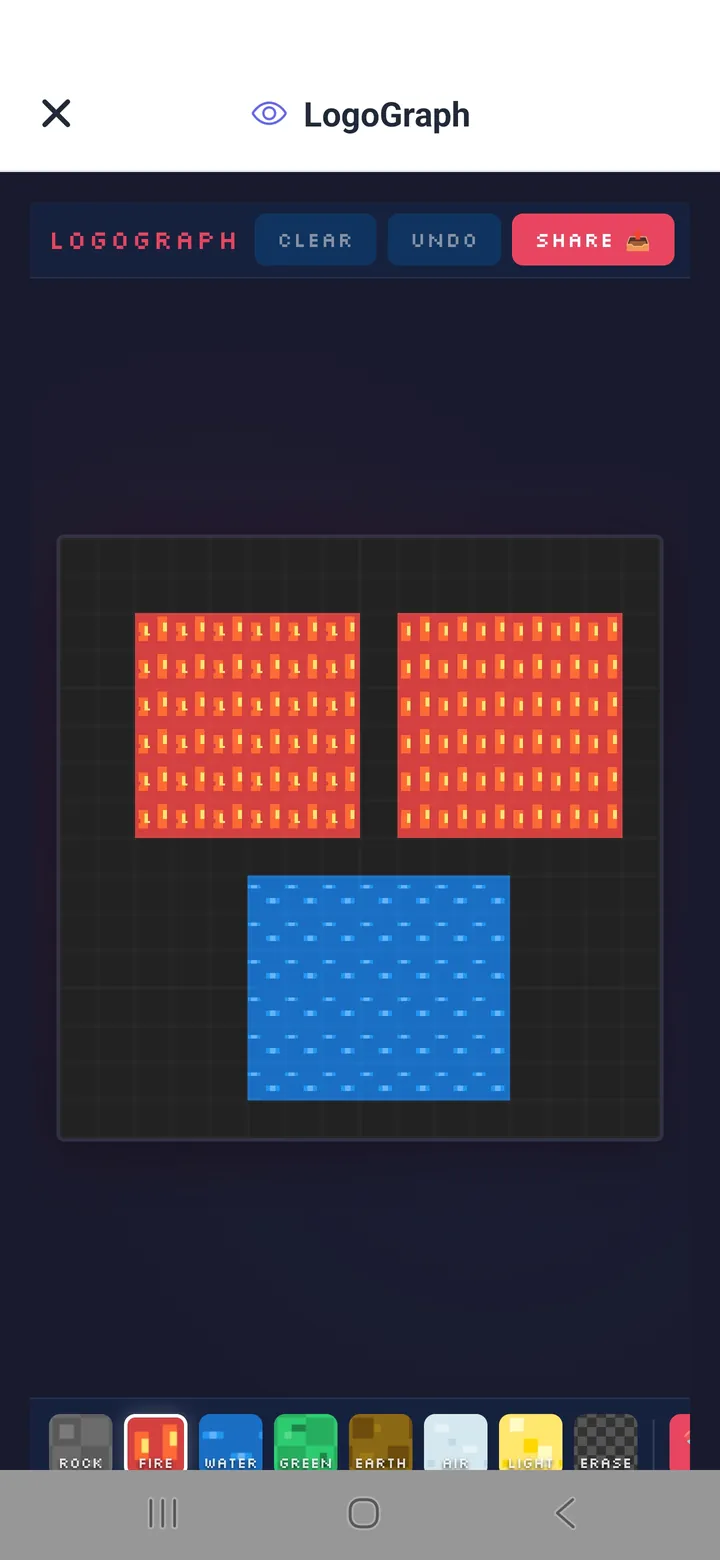
PromptCreate a pixel-art editor with elemental brushes - fire, water, earth, air
LogoGraph, a pixel-art canvas with themed brushes, plus undo, clear and share.
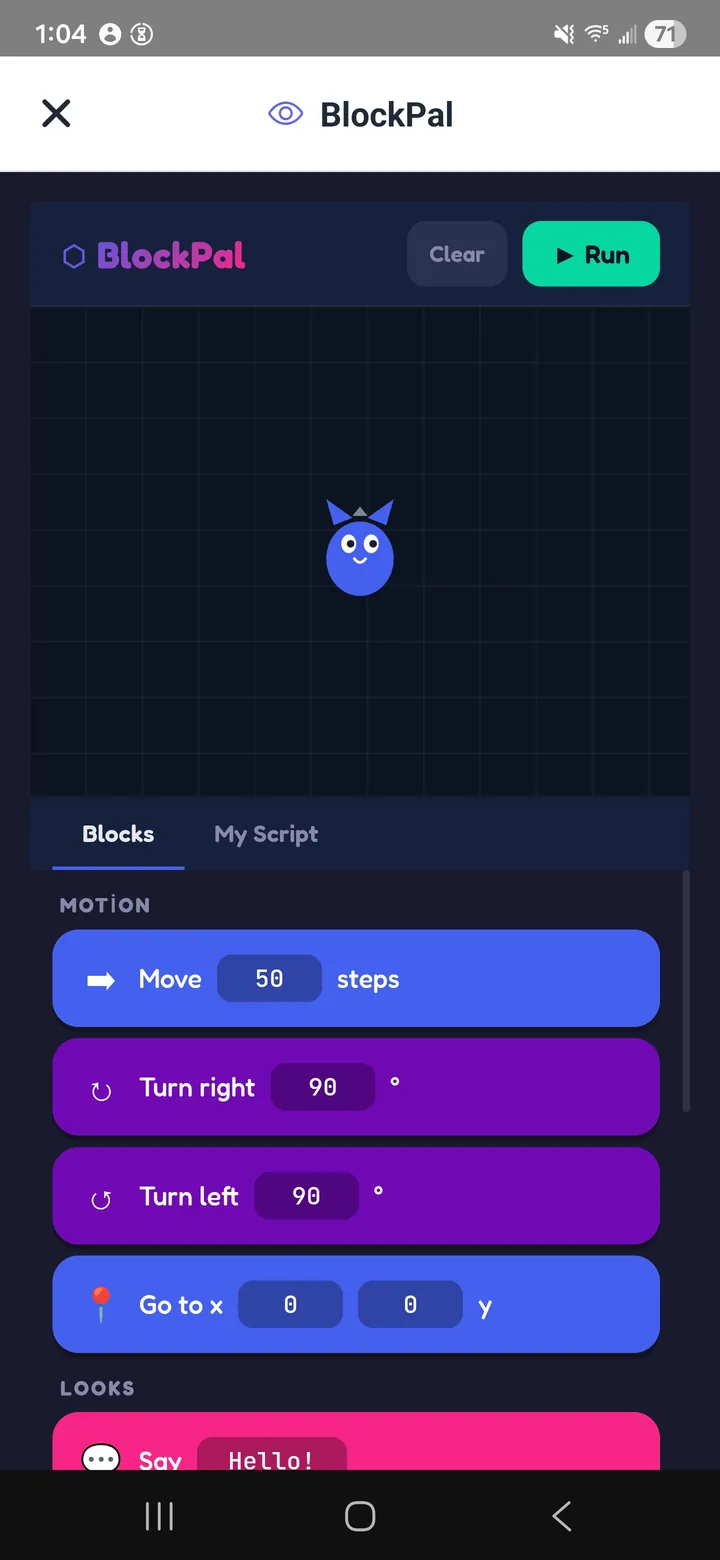
PromptMake a Scratch-like block coding playground with motion and looks blocks
BlockPal, with drag-and-drop Move, Turn, Go to and Say blocks. Good for teaching kids.
The gap between a disappointing app and a good one is almost always the prompt, not the AI. Vague in, generic out.
You don't need all five every time. Two or three will usually get you something you'd actually keep. And if it comes out nearly right, editing the one wrong line is faster than describing the whole thing again.
Free on Google Play and the App Store. Three generations come with the account.
Write it the way you'd text a friend. "A tip calculator with dark mode." Detail helps, so say the colours, say the rules, say what should happen when you tap something.
Fifteen seconds to a minute, depending how much you asked for.
It saves to your library and works with no signal. Open the code whenever you want it to do something different.
Most AI app builders are aimed at getting a business app into the stores. Neyse is aimed at something much narrower, so it's worth seeing the three side by side.
| Neyse | Store publishing builders | Hiring a developer | |
|---|---|---|---|
| What you need | Just your phone | A computer and a browser | A budget and a brief |
| Time to something working | Under a minute | An hour to a day | Weeks to months |
| Coding needed | None | None | Handled for you |
| Cost | Free for 3 apps, then tokens | Typically $20-$100+ / month | $5,000-$50,000+ |
| Publish to Google Play or App Store | No. Apps run inside Neyse | Yes | Yes |
| Accounts, payments, push | Not included | Usually | Yes |
| Edit the code yourself | Yes, built-in editor | Often locked | Yes |
| Works offline | Yes | Depends | Depends |
| Best for | Personal tools, games, study aids, quick tests of an idea | Business apps the public downloads | Complex products with real users |
Swipe the table sideways to see all columns →
Anything that fits on one screen and doesn't need a server behind it. Read down and see which one you already have an idea for.
Ninja Escape and Double Snake, further up this page, both started as one sentence.
Popular around exam season, for reasons that won't surprise anyone.
A working version you can hand someone and watch them use, before you spend anything.
You don't have to. But the door is open if you do.
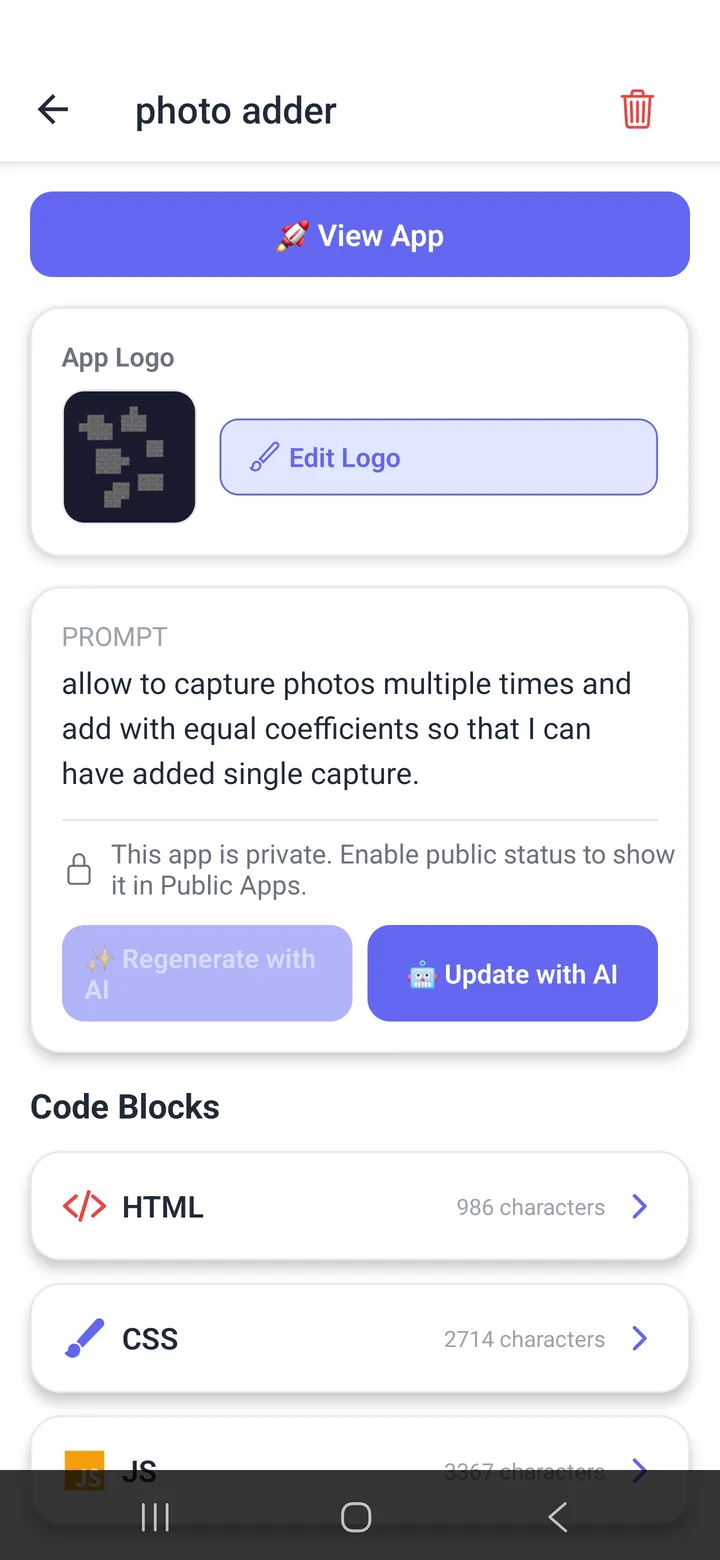
Syntax highlighting for HTML, CSS and JavaScript, with tap targets sized for thumbs. Editing code on a phone is usually miserable. This is the part we spent the longest on.
Every prompt and every previous version is kept, so a change that makes things worse takes one tap to undo.
Once it's made, it's on your phone.
Colours, spacing, wording, the rules of the game. When the AI gets something nearly right, it's often quicker to fix the one line than to describe the whole thing again.
Generated apps come out responsive and touch-friendly without you having to ask for it.
Everything you've made, in one list. Open, edit or delete any of it.
Your library, the prompt-and-code screen, and a few apps people have made.
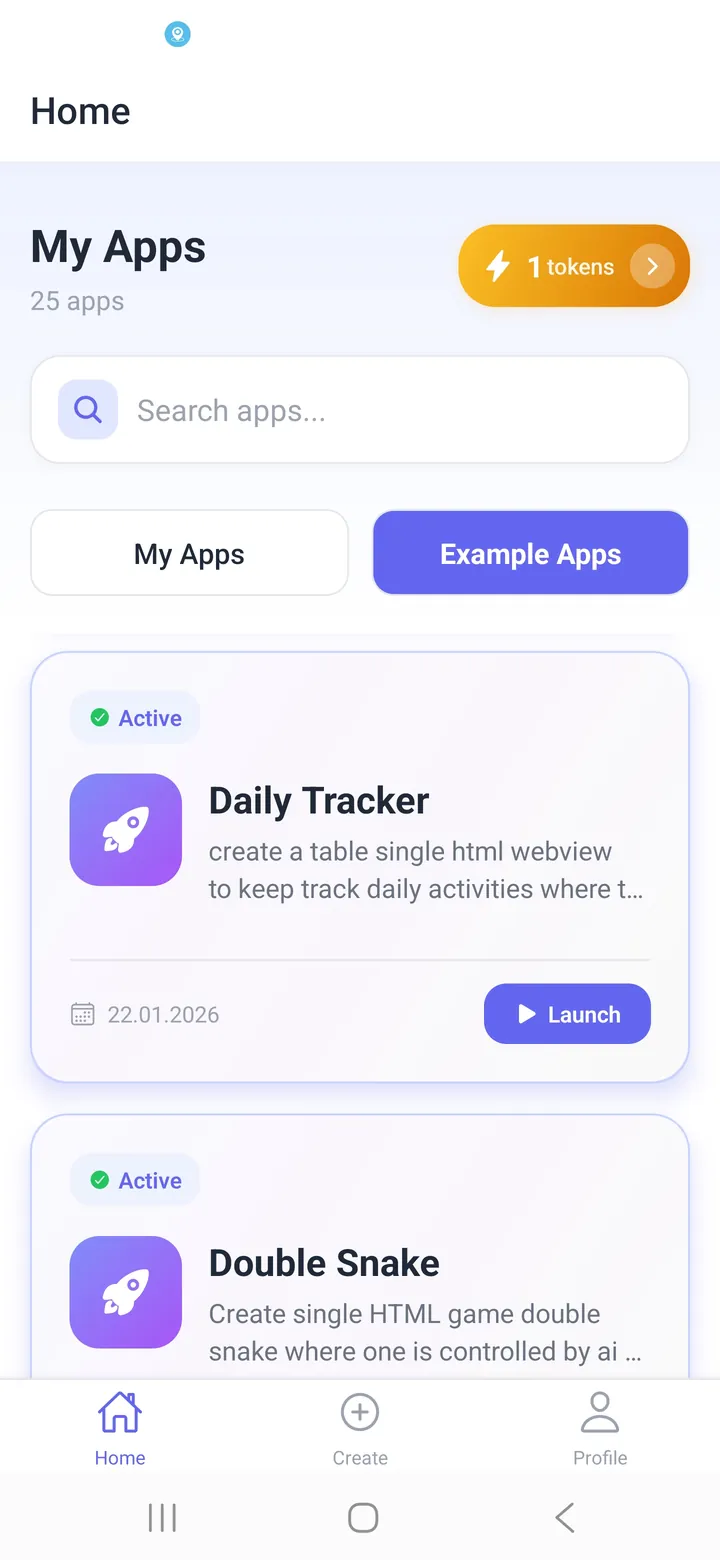
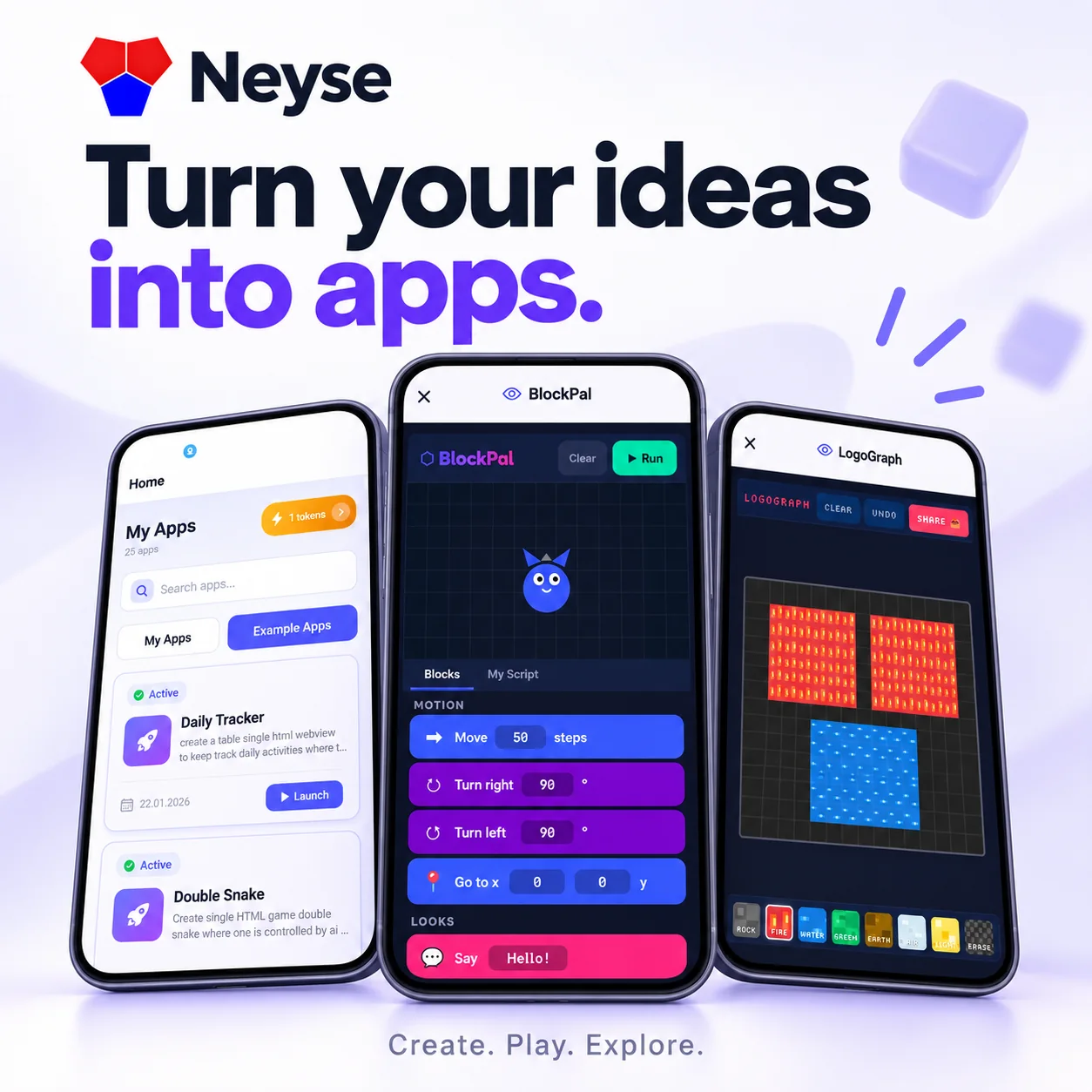
An AI app maker for Android and iOS. You describe an app in plain English, Neyse writes the code, and the finished app runs on your phone. It's meant for personal tools, games, study aids and quick prototypes. Apps live inside Neyse rather than going out to an app store.
Install Neyse, type a description of what you want, wait a few seconds. The AI writes the HTML, CSS and JavaScript and the app opens ready to use. If you can write a text message you can do this. No programming knowledge is needed at any point.
Yes. Everything happens on the phone. No laptop, no developer account, no Android Studio or Xcode. Writing the prompt, generating the app, editing the code and running it all happen inside Neyse.
No. There's no APK, AAB or IPA export, so apps you make can't be submitted to Google Play or the App Store. They run inside Neyse on your own device. If your goal is publishing something for the public to download, use a store publishing platform instead. Neyse is for apps you make for yourself, your family, your classroom, or your own testing.
The download is free and the account comes with 3 generations. After that, more generations are bought as tokens in the app. Anything you've already made stays in your library and costs nothing to use or edit.
Anything self-contained that fits on one screen. Snake, maze and quiz games. Calculators, converters and timers. Flashcards and study apps. Habit and expense trackers. Drawing and pixel-art tools. Anything needing accounts, payments, push notifications or a shared server is outside what Neyse does.
Yes. Once it's made it runs on your phone with no connection. You only need internet while the AI is writing it.
Yes. There's a code editor with syntax highlighting for HTML, CSS and JavaScript, so you can change colours, layout and behaviour by hand. Version history means a change that goes wrong takes one tap to undo.
Android 6.0 or newer, or iOS 15 or newer. Phones and tablets both work.
HTML5, CSS3 and JavaScript, the same things web pages are built from. That's why one generated app runs on both Android and iOS.
It works well for that. Generate something small, open the code, read how the pieces fit, change one thing and watch what happens. That short loop suits beginners. For younger learners you can generate a block-coding playground like BlockPal and start there.
Nearly always the prompt was too short. "Make a game" leaves every decision to the AI, so it picks for you. Say what happens when you tap something, how many of them there are, what should be remembered after a restart, and how it should look. If the result is close but not right, editing the one wrong line in the code editor is faster than describing the whole app again.
Most of them run in a browser on a computer and exist to get a business app into the stores. Neyse runs on your phone and exists to make small apps for your own use. Faster and cheaper for personal tools and prototypes. Wrong tool entirely if you need to ship something to the public.
So describe it instead. Three generations are already in your account, which is plenty to find out whether you like working this way.
Free download3 apps waitingWorks offline